 Runs in your browser · Nothing uploaded
 Free · No install




Troubleshooting guide

What this NFC test checks
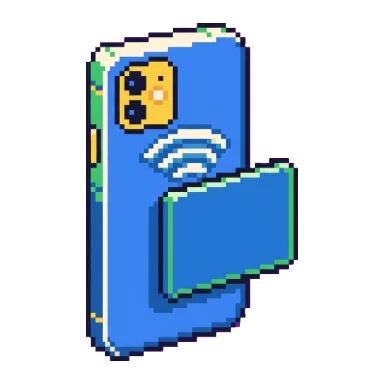
- Whether your phone’s NFC chip and antenna detect a card or tag held against the back of the phone.
- For NDEF tags (stickers, key fobs, smart posters): how many records the tag has and their type (text, URL…).
- Transit cards, bank cards and ID cards use other formats. The web can’t read their contents, but if the test says “card detected”, the NFC hardware works.
Nothing detected? Try these in order
- Turn on NFC. On Galaxy: Settings > Connections > NFC and contactless payments. On Pixel: Settings > Connected devices > Connection preferences > NFC. The quick settings tile works too.
- Remove a metal or magnetic case and any card stored inside the case.
- Unlock the phone and keep the screen on — NFC is off while the screen is off.
- Move the card slowly over the middle and upper back of the phone, then hold it still for a second.
- Test with another card. If no card is ever detected, check whether contactless payment works; if not, the NFC antenna may need repair.